
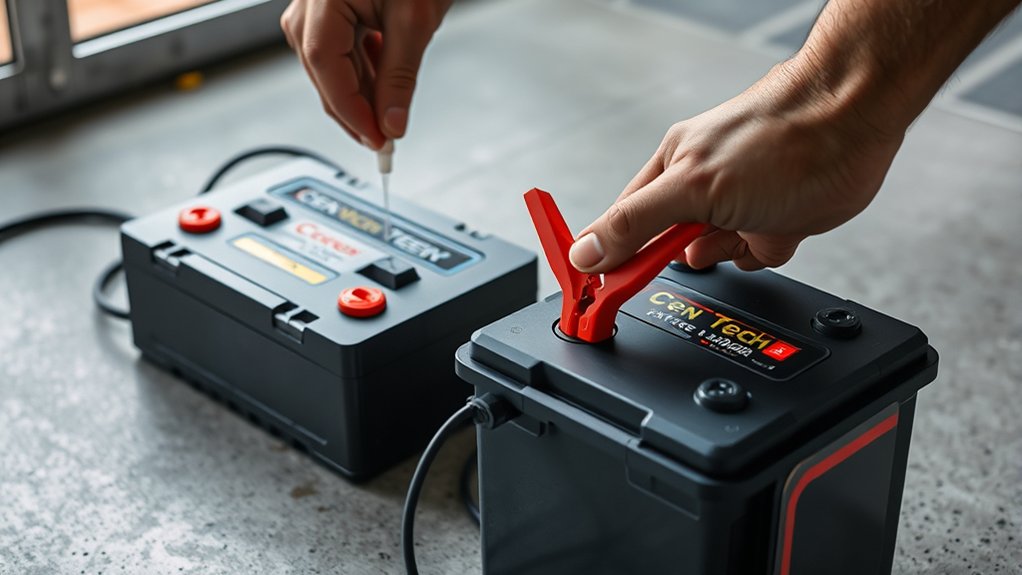
How to Use Cen Tech Battery Charger
When you use a Cen Tech battery charger, you need to start by confirming your battery’s voltage and chemistry compatibility to avoid damage or inefficient charging.
Proper preparation involves inspecting cables and terminals, selecting the correct charging mode, and ensuring safe, secure connections.
Understanding each step in detail is essential for prime performance and safety.
Before you proceed, consider how to identify your battery type and set up the charger correctly.
Key Takeaways
- Verify charger compatibility with your battery’s voltage and chemistry before use to avoid damage or safety hazards.
- Inspect battery and charger for damage, clean terminals, and ensure cables are intact before connecting.
- Connect red clamp to the positive terminal and black clamp to the negative terminal or grounding point securely.
- Select the correct charging mode matching your battery type, especially using AGM mode only for AGM batteries.
- Monitor charger indicators during charging, avoid overheating, and disconnect clamps in reverse order after full charge.
What Battery Types Can You Charge With Cen Tech?
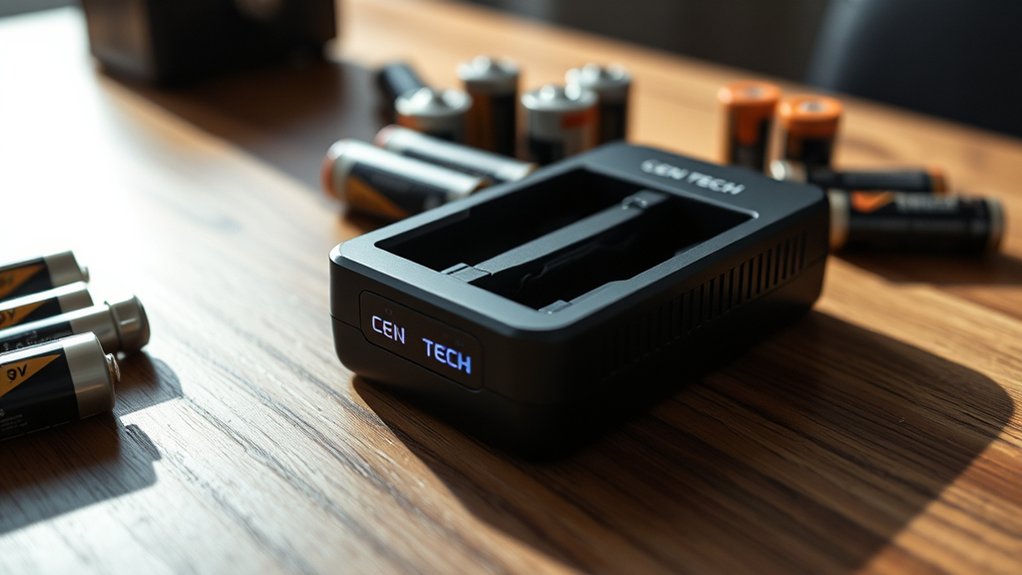
Which battery types can you charge with a Cen Tech charger? Cen Tech chargers are designed primarily for lead-acid batteries, including flooded, AGM (Absorbent Glass Mat), and gel cell variants.
You can also charge 12V automotive batteries commonly used in cars, motorcycles, and boats. When selecting what batteries to charge, verify the charger’s compatibility with the battery’s voltage and chemistry to avoid damage.
Cen Tech chargers are not suitable for lithium-ion or nickel-metal hydride batteries unless explicitly stated by the manufacturer. Charging safety is critical; improper pairing of charger and battery can lead to overheating, leakage, or irreversible battery damage.
Always confirm the battery type matches the charger’s specifications to ensure efficient charging and prolong battery life while maintaining safety standards.
How to Safely Prepare Your Battery and Charger
- To safely prepare your battery and Cen Tech charger, start by inspecting both for any visible damage, corrosion, or leaks. Ensure battery terminals are clean and free from corrosion, which can impede the charging process. Use a wire brush or terminal cleaner if necessary.
- Confirm the charger’s cables and connectors are intact without frays or exposed wiring. Place the battery on a stable, non-flammable surface away from direct sunlight or heat sources, prioritizing proper battery storage to prevent hazards.
- Ensure your workspace is well-ventilated to avoid accumulation of gases emitted during charging. Follow home safety protocols by keeping flammable materials and liquids away from the charging area.
- Finally, wear protective gloves and eyewear to shield yourself from potential acid splashes or sparks before proceeding with charging.
How to Connect Your Cen Tech Battery Charger
A essential step in using your Cen Tech battery charger involves correctly connecting the charger to your battery. First, ensure the charger is unplugged from any power source. Attach the red positive clamp to the battery’s positive terminal and the black negative clamp to the negative terminal or a suitable grounding point on the vehicle’s chassis.
Avoid connecting clamps in reverse to prevent damage. Confirm clamps have secure, corrosion-free contact for efficient current flow. While it might seem tempting to explore unrelated topics or random curiosities about battery chemistry, focus solely on correct physical connections here.
Only after you’ve established a firm electrical connection should you proceed to power the charger. This precise approach safeguards both your equipment and battery longevity.
Choose the Right Charging Mode for Your Battery
How exactly do you determine the appropriate charging mode for your battery with the Cen Tech charger? First, identify your battery type, whether it’s lead-acid, AGM, gel, or lithium. Cen Tech chargers offer multiple charging modes tailored for these chemistries, ensuring optimal battery compatibility.
Determine your battery type first—lead-acid, AGM, gel, or lithium—to select the right Cen Tech charging mode.
Select the mode that matches your battery’s specifications to prevent damage and maximize efficiency. For instance, use the AGM mode strictly for AGM batteries to maintain proper charge voltage and current limits.
If your charger includes a manual mode, only use it if you fully understand your battery’s charging requirements. Incorrect mode selection can lead to undercharging or overcharging, reducing battery lifespan.
Always consult your battery’s datasheet and the charger’s manual to verify the correct charging modes for safe, effective charging.
Monitor Charging Indicators on the Cen Tech Charger
Where should you focus your attention while charging with the Cen Tech charger? Primarily, you’ll want to monitor the charging indicators closely to understand the charger status and guarantee a proper charge cycle. The Cen Tech charger features clear LED indicators and display signals that convey essential information.
Pay attention to these key monitoring indicators:
- Power indicator: Confirms the charger is connected and receiving power.
- Charging status light: Shows when the battery is actively charging.
- Fully charged indicator: Signals when the battery has reached full capacity.
- Error or fault indicator: Alerts you to issues like incorrect battery connection or faults.
How to Safely Disconnect Your Cen Tech Charger
Once the charging cycle completes and the indicators confirm a full charge, you should disconnect the Cen Tech charger carefully to prevent electrical hazards or battery damage. Start by turning off the charger, if it has a power switch, to cut the electricity flow.
Next, disconnect the charger’s clamps from the battery terminals in the reverse order of connection: negative clamp first, then positive to avoid sparking. After clamps are removed, focus on unplugging properly by grasping the charger plug firmly; never pull the cord itself.
Ensure your hands are dry to reduce shock risk. Finally, store the charger in a dry, ventilated area. Following these steps guarantees disconnecting safely, protecting both you and the charger from potential harm.
Troubleshoot Common Cen Tech Battery Charger Issues
If your Cen Tech charger won’t power on, first check the power source and connections for faults. When charging is slow or inconsistent, inspect the battery terminals and charger settings to ensure proper contact and mode selection.
To prevent overheating, monitor the charger’s temperature and follow recommended safety guidelines during extended use.
Charger Not Powering On
Begin by verifying the power source and cable connections when your Cen Tech battery charger fails to power on. Ensure the outlet supplies consistent current, accounting for recent power outages that might affect its function. Check the charger’s power cord for visible damage or loose connections.
If the charger remains unresponsive, inspect the internal fuse or circuit breaker, which may have tripped. Additionally, improper battery storage can cause voltage drops, affecting charger activation.
- Confirm the outlet’s voltage stability and reset breaker if necessary
- Examine the charger’s power cable for fraying or disconnection
- Test or replace the internal fuse to restore circuit continuity
- Remove batteries during storage to prevent self-discharge affecting charger startup
These steps help isolate power-related issues that prevent your charger from powering on.
Poor Battery Charging
Why does your Cen Tech battery charger deliver weak or incomplete charging? Poor charging often results from dirty or corroded battery terminals, which impede electrical contact. Ensure you clean both the battery posts and charger clamps with a wire brush before connecting.
Also, verify the charger’s output voltage matches your battery’s specifications; mismatched voltages cause inefficient charging. Inspect cables for damage or loose connections, as these reduce current flow.
Additionally, a deeply discharged or damaged battery may not accept a full charge, so test the battery’s health separately. Always adhere to charger safety by avoiding exposure to moisture and ensuring proper ventilation during operation.
Addressing these factors precisely will help you resolve poor charging issues and maintain optimal performance of your Cen Tech charger.
Overheating And Safety Tips
Beyond ensuring proper charging connections and battery health, managing overheating is a key factor in the safe operation of your Cen Tech battery charger. Overheating risks can damage both the charger and battery, so you need to monitor temperature closely.
Follow these safety reminders to minimize hazards:
- Place the charger in a well-ventilated area to dissipate heat efficiently.
- Avoid charging batteries in direct sunlight or near heat sources.
- Regularly inspect cables and connectors for signs of wear that can cause resistance and heat buildup.
- Disconnect the charger immediately if you detect excessive heat or unusual smells during operation.
Frequently Asked Questions
Can the Cen Tech Charger Be Used Outdoors in Rainy Conditions?
You shouldn’t use the Cen Tech charger outdoors in rainy conditions due to rain exposure risks. For outdoor safety, always operate it in a dry, sheltered area to prevent electrical hazards, damage, or malfunction caused by moisture.
How Long Does the Cen Tech Charger Typically Last?
You can expect the Cen Tech charger’s battery longevity to last several years with proper use. To maximize lifespan, always follow charging safety guidelines, avoid overcharging, and ensure the charger operates within the recommended temperature range.
Is the Cen Tech Charger Compatible With Electric Vehicle Batteries?
Think of the Cen Tech charger as a key designed for standard car batteries; it’s not built for EV charging’s unique demands. Using it risks battery safety, so avoid applying it to electric vehicle batteries for optimal performance.
Can the Charger Be Left Plugged in Overnight Without Damage?
You shouldn’t leave the Cen Tech charger plugged in overnight to avoid leftover optimization issues that may degrade battery life. Doing so might also void your warranty, as extended charging isn’t covered under standard warranty implications.
Does the Cen Tech Charger Come With a Warranty?
Yes, the Cen Tech charger includes warranty coverage that guarantees protection against defects. Its design supports outdoor reliability, but you should review the warranty terms carefully to understand conditions and limitations for optimal use and claim eligibility.
Conclusion
Using your Cen Tech battery charger properly ensures your battery charges efficiently and safely. By matching the charger settings to your battery type, connecting clamps correctly, and monitoring indicators, you’ll avoid common pitfalls. Think of the charger as a skilled conductor, orchestrating the flow of energy with precision.
Always prepare your workspace and disconnect carefully to extend battery life and prevent hazards. Follow these steps, and your batteries will power up like clockwork every time. With the right approach, your Cen Tech battery charger will deliver reliable performance and keep your batteries in top condition.